




In today’s digital landscape, the performance of a website is crucial for user experience, search engine optimization (SEO), and overall success. One significant factor that affects website performance is the optimization of images and media. Properly optimized images and media not only enhance load times but also improve SEO, reduce bandwidth usage, and provide a better user experience. This guide will walk you through best practices for optimizing images and media, including the use of modern image formats like WebP, and techniques for optimizing video and audio content.
Best Practices for Image Optimization

Optimizing images involves several steps and considerations to ensure they load quickly without sacrificing quality. Here are the best practices:
Choose the Right Format: Depending on the type of image, select the most appropriate format. JPEG is ideal for photographs and complex images due to its high compression ratio. PNG is best for images requiring transparency and lossless compression, while SVG is perfect for scalable vector graphics.
Compress Images: Use image compression tools like TinyPNG, ImageOptim, or online services to reduce the file size without significantly compromising quality. This step is essential to minimize load times and improve performance.
Resize Images Appropriately: Ensure that images are not larger than necessary. Resize images to the maximum dimensions needed for your website. Serving oversized images can slow down your site and waste bandwidth.
Use Responsive Images: Implement responsive image techniques such as the srcset attribute and the <picture> element to deliver different image sizes based on the user's device and screen resolution. This ensures that users receive appropriately sized images for their device, improving load times and user experience.
Leverage Lazy Loading: Lazy loading defers the loading of images until they are needed, such as when they enter the viewport. This technique reduces initial page load time and bandwidth usage, enhancing performance, especially for image-heavy pages.
Optimize Alt Text: Provide descriptive and keyword-rich alt text for all images. Alt text not only improves accessibility for visually impaired users but also helps search engines understand the content of the images, boosting SEO.
Using WebP and Other Modern Image Formats
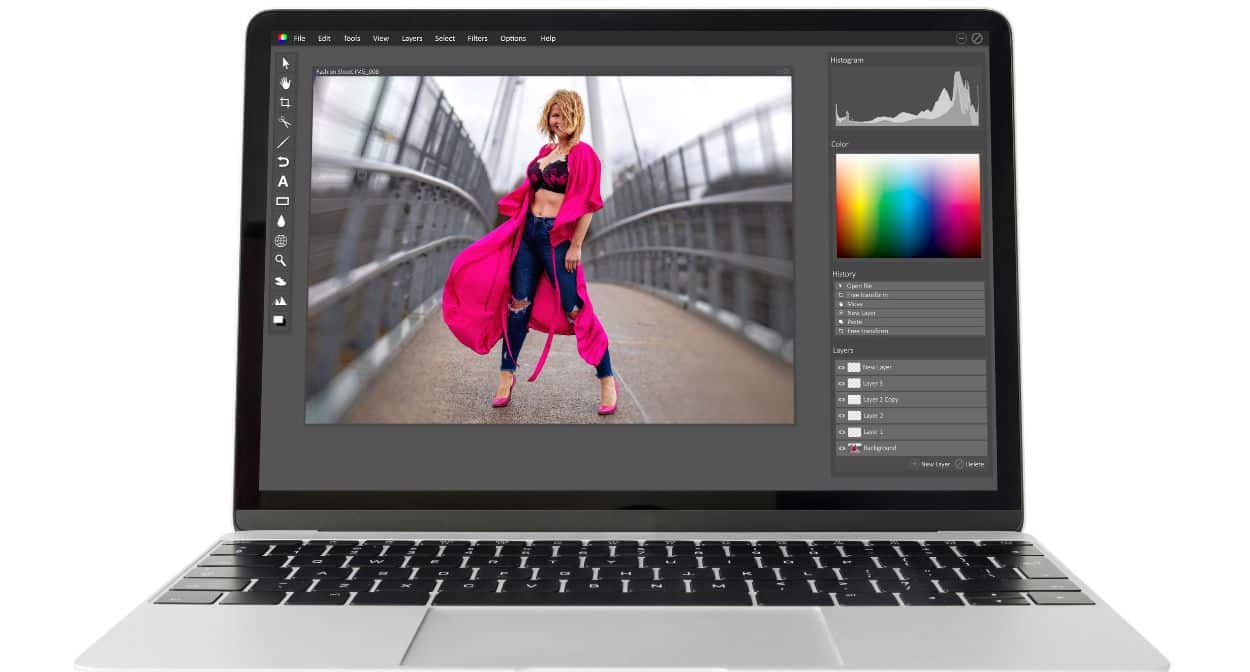
WebP is a modern image format developed by Google that provides superior lossless and lossy compression for images on the web. Using WebP can significantly reduce image file sizes while maintaining high quality, leading to faster load times and improved performance. Here are some benefits and implementation tips for WebP and other modern image formats:
Benefits of WebP:
- Smaller File Sizes: WebP images are generally 25-34% smaller than comparable JPEG images and 26% smaller than PNGs.
- Support for Transparency: WebP supports both lossy and lossless transparency (alpha channel), making it a versatile format for various image types.
- High-Quality Compression: WebP offers excellent image quality at significantly reduced file sizes, ensuring a good balance between performance and visual fidelity.
Implementing WebP:
- Fallbacks for Non-Supporting Browsers: While WebP is supported by most modern browsers, provide fallback formats like JPEG or PNG for browsers that do not support WebP. Use the <picture> element to serve different formats based on browser capabilities.
- Automated Conversion Tools: Utilize tools and plugins that automatically convert and serve WebP images, such as the WebP Express plugin for WordPress or the ImageMagick tool for batch conversion.
Other Modern Image Formats:
- AVIF: AVIF (AV1 Image File Format) is another modern format offering even better compression rates than WebP. Although support is still growing, AVIF is worth considering for future-proofing your site.
- JPEG 2000 and JPEG XR: These formats offer improved compression and quality over traditional JPEGs but have limited browser support. Use them where appropriate, with fallbacks for unsupported browsers.
Video and Audio Optimization Techniques
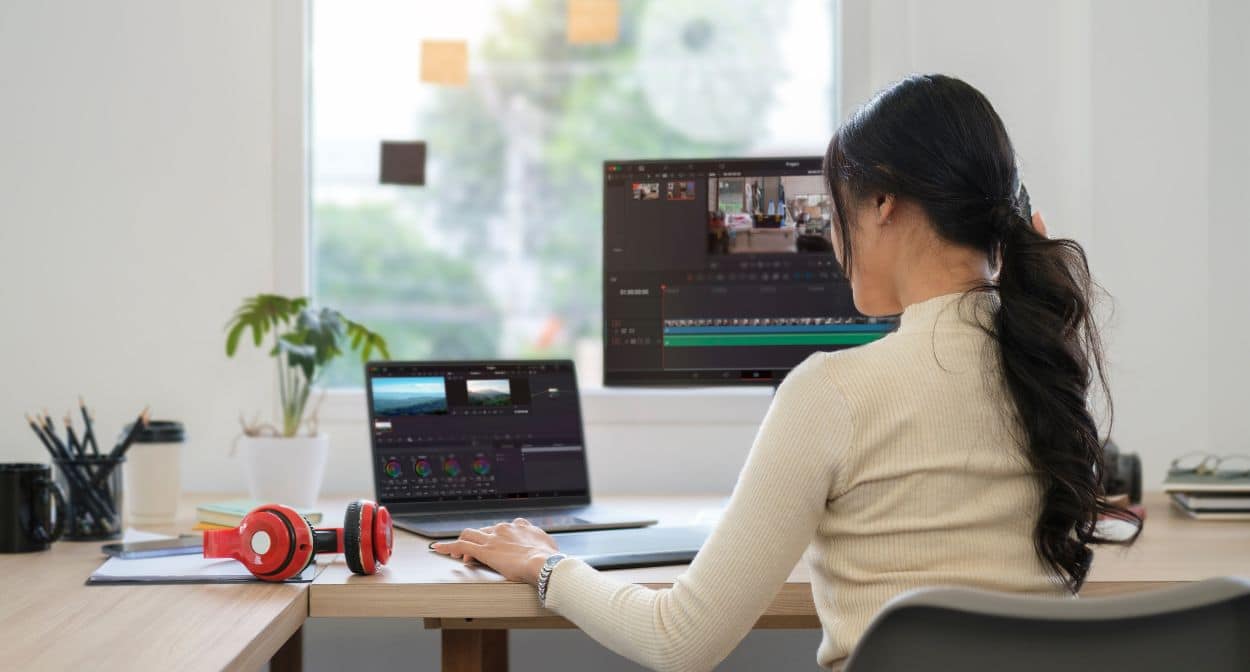
Optimizing video and audio content is as important as optimizing images for ensuring a smooth user experience and maintaining fast website performance. Here are some best practices for video and audio optimization:
Choose the Right Formats:
- Video: Use modern video formats like MP4 (H.264), WebM (VP9), and AV1. MP4 is widely supported and offers a good balance of quality and file size. WebM and AV1 provide better compression but may require fallback options for older browsers.
- Audio: Use formats like MP3, AAC, and Opus. MP3 is universally supported, while AAC and Opus offer better compression and quality.
Compress Media Files: Use compression tools and codecs to reduce the file size of video and audio without compromising quality. HandBrake is a popular tool for video compression, and Audacity can be used for audio files.
Implement Adaptive Streaming: For video content, use adaptive streaming technologies like HLS (HTTP Live Streaming) or DASH (Dynamic Adaptive Streaming over HTTP). These technologies adjust the video quality based on the user's internet connection, ensuring smooth playback and minimizing buffering.
Use Lazy Loading for Videos: Just like images, videos can benefit from lazy loading. Defer loading of video content until the user interacts with the video or scrolls to its location on the page.
Optimize Media Metadata: Ensure that all media files have properly optimized metadata, including titles, descriptions, and tags. This not only improves SEO but also provides a better user experience by offering relevant information about the content.
Leverage Content Delivery Networks (CDNs): Distribute your media content through CDNs to reduce latency and improve load times. CDNs cache your content on servers worldwide, delivering it to users from the nearest location.
Conclusion
By following these guidelines, you can ensure that your website's images and media are optimized for performance, user experience, and SEO. Implementing these best practices will help create a faster, more efficient, and accessible website.