




In the world of web design, fonts are more than just a visual element—they're a critical factor in the overall performance and user experience of your website. While beautiful typography can elevate your site's aesthetics, improperly optimized fonts can significantly slow down your site, leading to higher bounce rates and lower search engine rankings. Optimizing fonts for web performance involves a combination of selecting efficient web fonts, implementing strategic font loading techniques, and minimizing font file sizes. By mastering these aspects, you can ensure that your website not only looks great but also loads quickly and provides a seamless experience for your visitors. This guide will walk you through the best practices for optimizing fonts to enhance your site's speed and performance.
Choosing Performance-Optimized Web Fonts
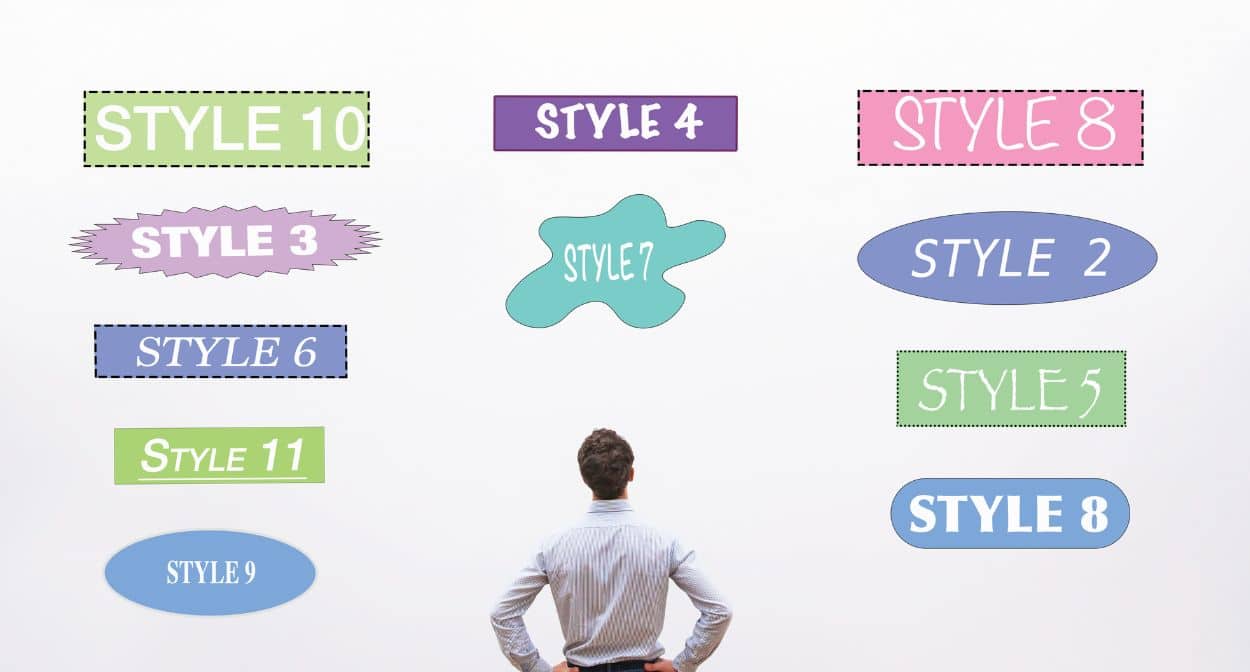
When it comes to web design, fonts play a crucial role in the overall aesthetic and readability of your site. However, they can also significantly impact performance if not optimized properly. Here’s how to choose performance-optimized web fonts:
Choose Web-Safe Fonts: Web-safe fonts are pre-installed on most operating systems, eliminating the need for additional downloads. Examples include Arial, Helvetica, and Times New Roman. While these may lack some of the uniqueness of custom fonts, they offer a significant performance advantage.
Limit the Number of Font Variants: Each font variant (bold, italic, etc.) adds to the total page load time. By limiting the number of font styles and weights, you reduce the number of HTTP requests and the total size of font files that need to be downloaded.
Use Variable Fonts: Variable fonts are a new technology that allows a single font file to contain multiple styles and weights. This reduces the number of font files required and can significantly improve performance.
Choose Efficient Formats: Web fonts come in various formats like TTF, OTF, WOFF, and WOFF2. WOFF2 is currently the most efficient format, offering better compression and faster load times compared to its predecessors.
Implementing Font Loading Strategies

Effective font loading strategies ensure that your fonts do not block the rendering of the page, leading to faster perceived load times and a better user experience. Here are some strategies to consider:
Preload Fonts:
- Preloading fonts can help ensure they are available as soon as they are needed, without blocking the rendering of other critical resources.
Example:
<link rel="preload" href="/fonts/myfont.woff2" as="font" type="font/woff2" crossorigin="anonymous">
Asynchronous Font Loading:
- Asynchronous loading allows the browser to load fonts without blocking the initial page render. This can be achieved using JavaScript.
Example:
<script>
WebFont.load({
google: {
families: ['Droid Sans', 'Droid Serif']
}
});
</script>
Font-Display Property:
- The CSS font-display property allows you to control how text is displayed while the font is loading. The swap value is commonly used to ensure text is immediately visible with a fallback font and then swapped to the web font once it’s loaded.
Example:
@font-face {
font-family: 'MyFont';
src: url('/fonts/myfont.woff2') format('woff2');
font-display: swap;
}
Critical FOFT (Flash of Faux Text) Technique:
- This technique involves initially loading a small subset of the font (e.g., only the characters needed for the above-the-fold content) and then loading the rest of the font asynchronously.
Reducing Font File Sizes

Reducing the size of font files can have a significant impact on web performance. Here are some techniques to achieve this:
Subsetting Fonts:
- Subsetting involves creating a custom font file that only includes the characters needed for your site. This can drastically reduce the file size, especially if you only need a limited set of characters (e.g., only Latin characters).
- Tools like Font Squirrel’s Webfont Generator or Glyphhanger can help with subsetting fonts.
Using Modern Formats:
- As mentioned earlier, using modern font formats like WOFF2 can provide better compression and smaller file sizes compared to older formats like TTF or OTF.
Compressing Fonts:
- Gzip or Brotli compression can further reduce the size of font files. Most modern web servers support these compression methods, and they can be enabled in the server configuration.
Example for Nginx:
location ~* .(?:woff2)$ {
gzip_static on;
add_header Cache-Control "public, max-age=31536000";
access_log off;
}
Optimizing Delivery:
- Serve fonts from a Content Delivery Network (CDN) to reduce latency and improve load times for users around the globe. Many popular fonts are available through Google Fonts or Adobe Fonts, which are served from highly optimized CDNs.
Conclusion
Optimizing web fonts is essential for improving site performance and ensuring a better user experience. By choosing performance-optimized web fonts, implementing efficient font loading strategies, and reducing font file sizes, you can create a faster, more responsive website. This optimization not only enhances user satisfaction but also contributes to better SEO rankings, as search engines favor sites with quicker load times.